WhatsApp Plus
Download or update WhatsApp Plus APK 2025 Latest Version improved and customized privacy options, share data without limit or size.

Safe & Secure
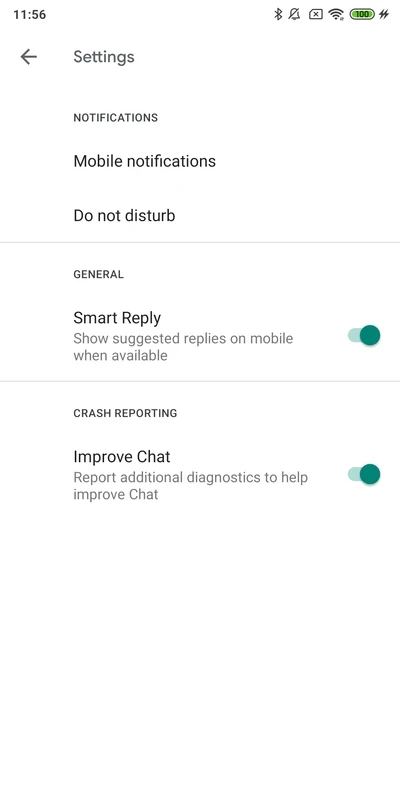

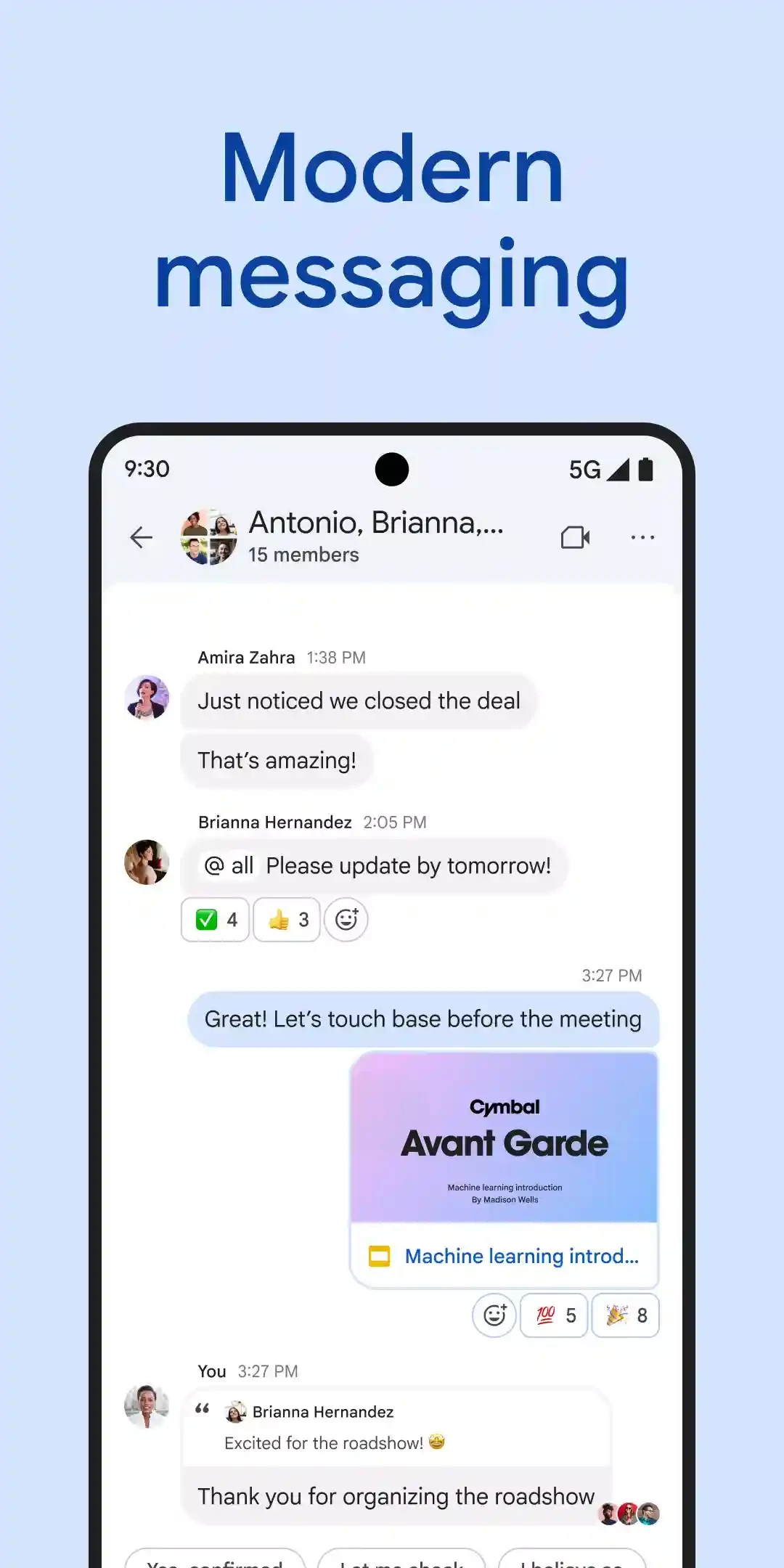

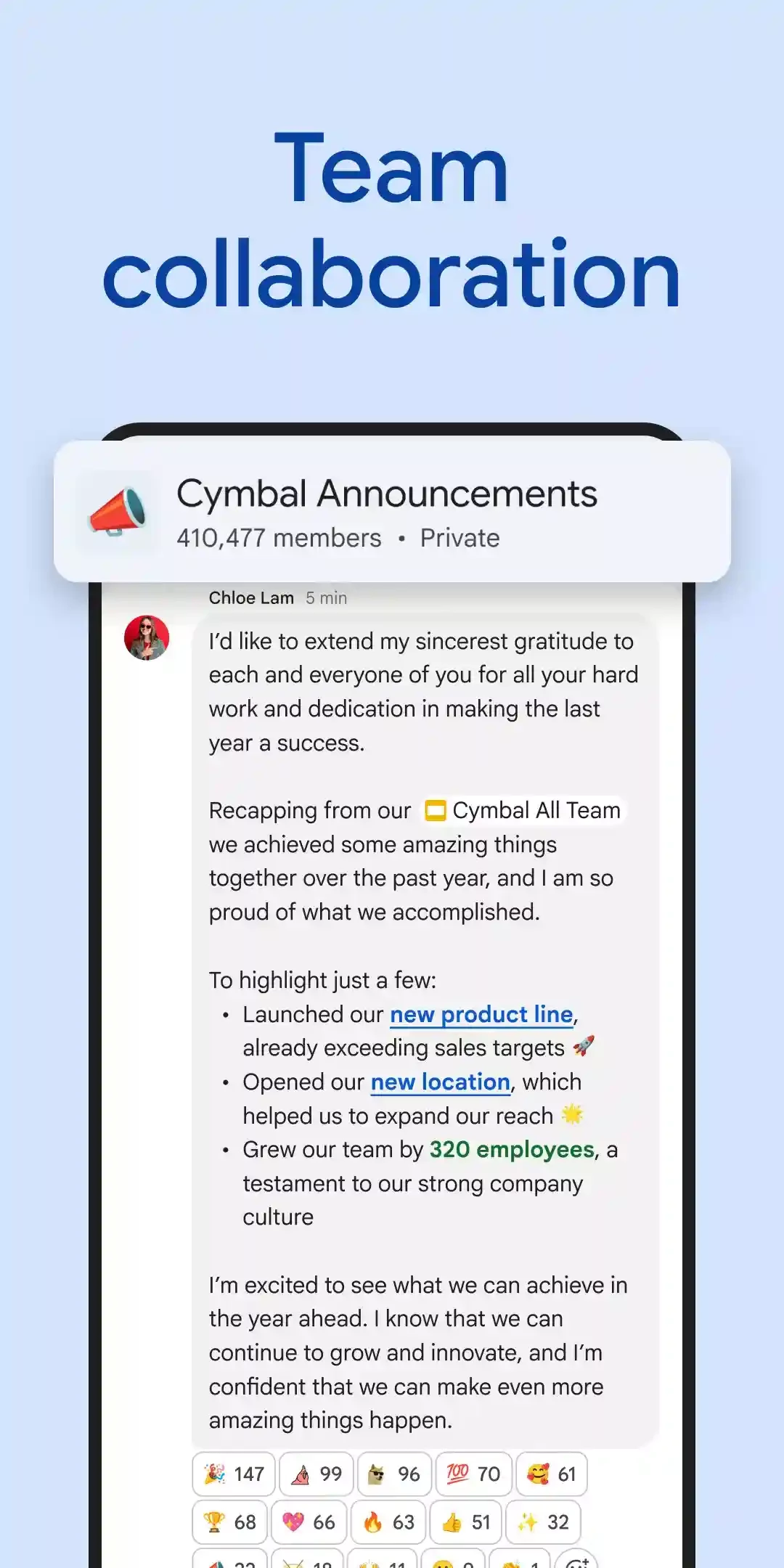
Google Chat, previously known as Google Hangouts, is the first AI-powered platform used for communicating and collaborating. It allows teams to stay connected within the familiar Google Workspace ecosystem, including Docs, Sheets, and Slides. You can chat, make audio and video calls with your teammates, and collaborate reliably on projects.
It is the best option to manage your personal projects while creating group calls and professional meetings. You can use the app for accessing your important documents to work together within seamless integrations and collaboration tools.
Google Chat was developed by Google as a replacement for Google Hangouts and was released in 2017 for Google Workspace users. It was given the name ‘Hangouts Chat’ and was rebranded as ‘Google Chat’ in 2020. It enables users to send instant messages, group chat, and spaces to create and assign tasks, and share files without switching to other apps.
The integration of Google Workspace and an AI tool, Gemini, enables the software to streamline a smooth workflow. It facilitates the users to arrange group conversations for collaborating on projects remotely. It is a simple and effective utility to make your communication and collaboration quick and reliable.
The clean and minimal user interface offers quick navigation to group threads, attend ongoing discussions, search previous messages, and so on. You will find a user-friendly experience with multiple innovative features to engage other participants. The app offers notifications to alert you about new updates related to ongoing discussions.
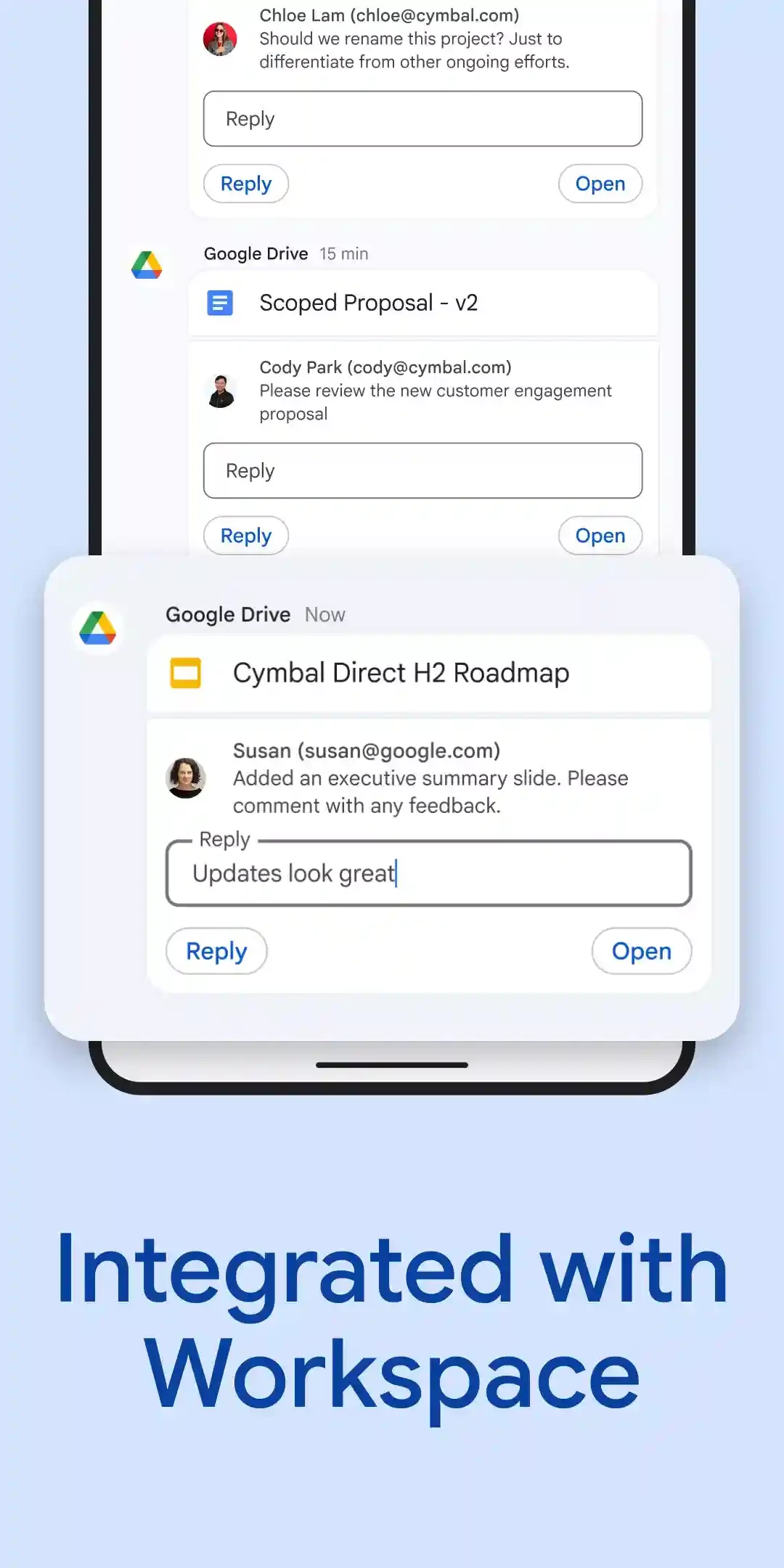
The seamless integration with the Google Workspace ecosystem enhances your functionality, so you can streamline your workflow while connecting to multiple applications such as Google Sheets, Google Docs, Google Drive, Google Slides, and so on. In this way, you can share your documents, directly collaborate, and store content in one place. It enables you to focus on your projects and efficiently manage with the help of your co-members.
You can easily access Google Chat while using the Google app launcher button, which is available on the top-right of the screen of the Workspace application. This looks like a set of dots. Simply click the grid, and you will find a list of various apps, including Gmail, Calendar, Contacts, and Drive. You need only to select the app and click to open it. On opening the app, you will find a list of people you have chat on the left of the screen. You can view presence information, and also who is online. You can start a one-on-one conversation while clicking the very specific contact from the list, type message, and click ‘Send’ option. You can use the AI option for automating your replies. Likewise, share your spreadsheets and documents from Google Drive, and participants can access them through Google Docs.
It makes it possible to chat with your team members in real-time, regardless of whether it is one-on-one or team-wide spaces. Spaces are an alternative to channels in Microsoft Teams, Slack, and Zoom, and enable users to assign tasks, share files, and create documents. It improves the productivity and collaboration within direct messages, group chats, and uses mentions, GIFs, and emojis within the help of message threads.
On Google Hangouts, the number of attendees is limited to 10; however, it is expanded with Google Chat, and you can add up to 250 participants for video chat. It is integrated with Google Meet to conduct a video meeting. Simply, click the camera icon while creating a message for embedding a Google Meet Link, so anyone can join the meeting by clicking the link. You need to mention the proposed date, and it will automatically be created by the calendar. In addition, for group chats, you can add up to 8000 people, create as many room you want, and also add people to the correct room, so you can manage your projects quickly and easily.
Security is one of the most preferable elements while connecting to others, so the app offers enterprise-grade security such as encryption, compliance tools, and advanced admin settings. You can manage your more sensitive data with the help of Data Loss Prevention and eDiscovery tools. Get rid of spam notifications while using automatic spam filtering and notification control options, and enjoy a focused user experience.
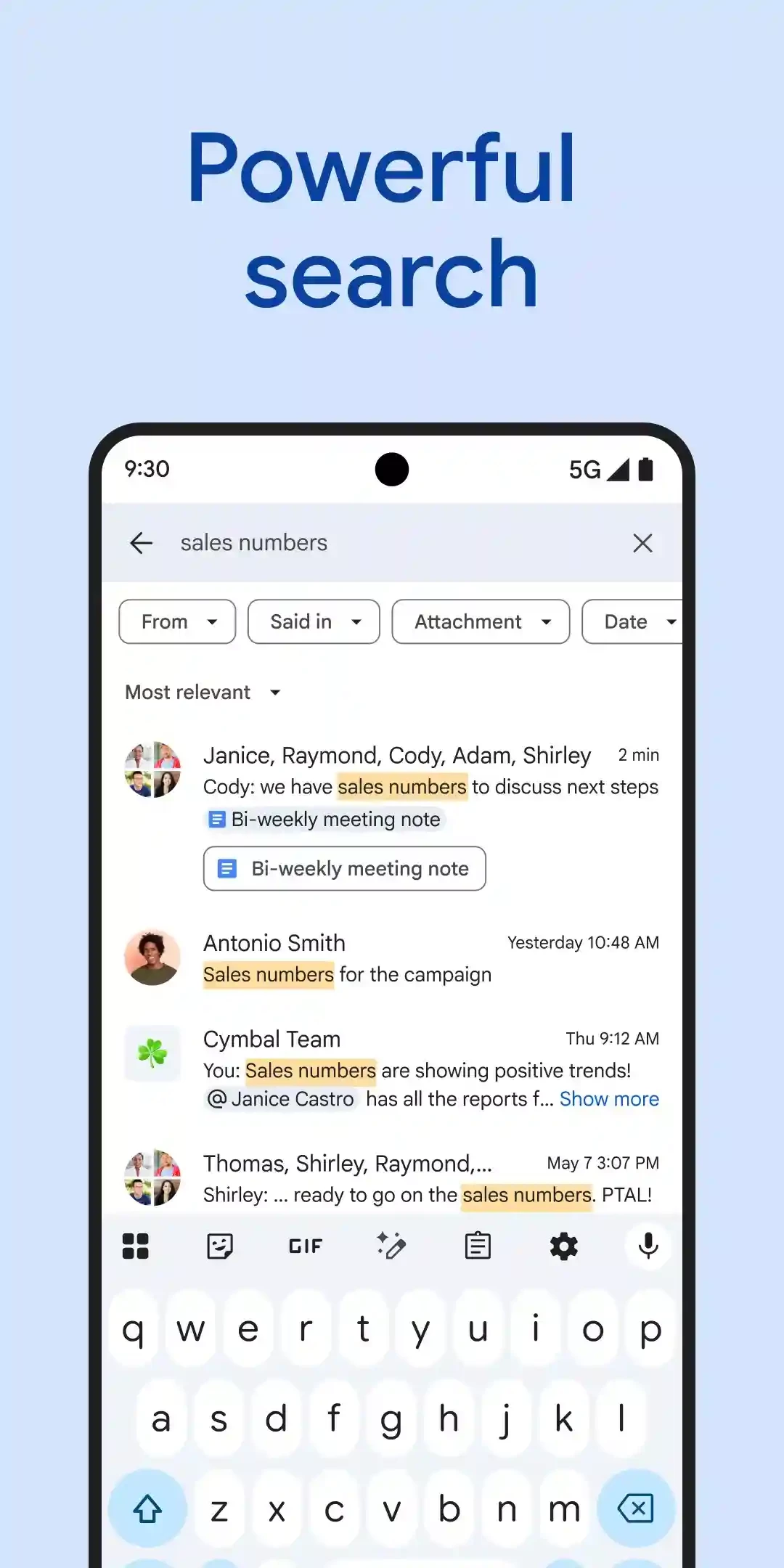
The innovative advanced search functionality enables users to quickly access their required content, such as messages, shared files, and past threads. You can use keywords to filter your desired data and easily locate the discussions or resources. It is the best option for users who deal with teams to work on long-term projects. In this way, the members can easily access the relevant information hassle-free.
Pros
Cons

Download or update WhatsApp Plus APK 2025 Latest Version improved and customized privacy options, share data without limit or size.

Download GB WhatsApp APK Anti-Ban 2025 Updated Version that offers to hide some of your private chats, and Scheduler your Messages.

YOWhatsApp (YoWA), a combination of Whatsapp classic and additional features

Fouad iOS WhatsApp offers a unique Apple iPhone-style interface

FM WhatsApp is the Latest Version mod of WhatsApp, offering all the missing additional features

JTWhatsApp Download or update and join your community with limitless privacy, customization, and other features